
Networking & Structured Cabling
[ 01 ] Overview
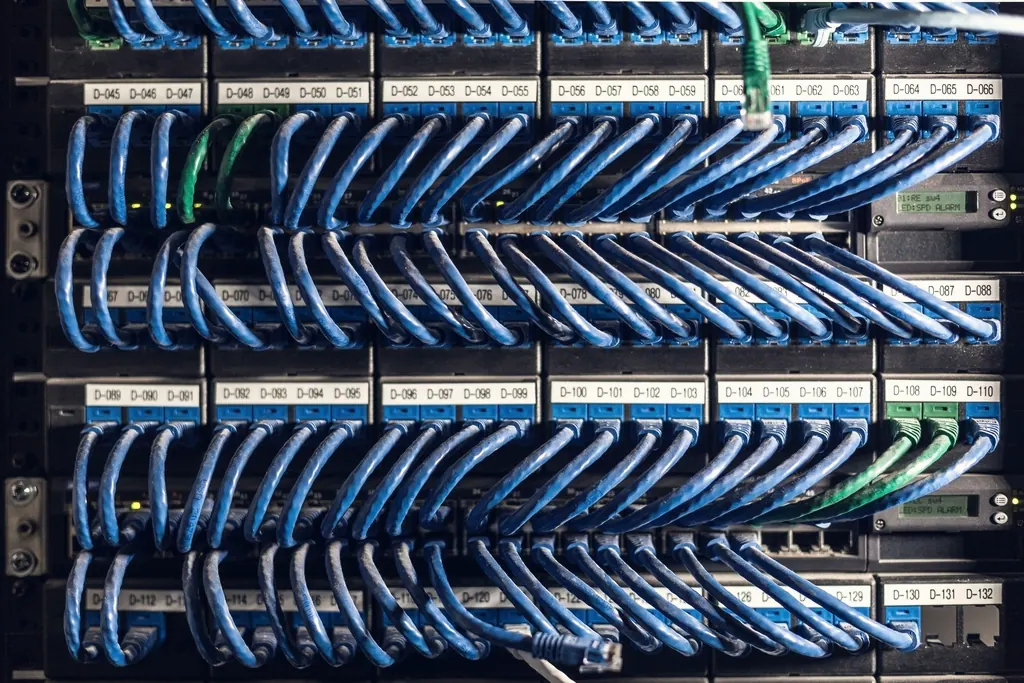
Cameras, computers, access control and Wi-Fi all depend on the network underneath them. We plan cable routes, lay CAT6 and fibre, build racks and configure switching, then test, label and document every run so the next person who opens the rack knows exactly what they are looking at.
- 02.1Managed & PoE switches (8 / 24 / 48 port)
- 02.2CAT6 cabling, fibre laying & splicing
- 02.3Wall-mount & floor-standing network racks
- 02.4Campus Wi-Fi & point-to-point links
- 02.5LAN design, VLAN set-up & testing
- 02.6Network documentation & labelling
[ 02 ]In detail
What we design, supply and install.
Cabling
Copper for the last metres, fibre for the backbone.
- CAT6 structured cabling with patch panels
- Single-mode and multi-mode fibre laying
- Fibre splicing, LIUs and SFP modules
- Conduit, trunking and lift cabling
Switching & racks
Switches sized for the devices they power and the traffic they carry.
- Managed and PoE switches, 8 / 24 / 48 port
- Wall-mount and floor-standing racks
- PDUs, cable managers and rack dressing
- VLAN design to separate CCTV, staff and guest traffic
Wireless
Coverage where people actually work, study and wait.
- Campus and office Wi-Fi
- Point-to-point wireless links between buildings
- Coverage planning for halls, hostels and outdoor areas
- Guest network isolation
[ 03 ] Deliverables
What you receive.
- 01Network design and cable route plan
- 02Detailed BOQ and proforma
- 03Tested and labelled cabling, port by port
- 04Configured switching and VLANs
- 05Network documentation for your IT team
Delivery sequence8 steps
- 01Site surveyOn-site study of the premises, coverage needs and risk points.
- 02Design & BOQCamera and network layout, product selection and a detailed bill of quantities.
- 03Proposal & POA transparent quotation or proforma aligned to your tender or PO terms.
- 04SupplyGenuine branded equipment delivered to site with documentation.
- 05InstallationStructured cabling, racking, mounting and configuration by trained technicians.
- 06TestingEnd-to-end testing, recording checks and network validation.
- 07HandoverCommissioning, user training and as-built documentation.
- 08Support & AMCWarranty service, preventive maintenance and upgrades.
[ 04 ] Questions
Networking, answered.
When do we need fibre instead of CAT6?
CAT6 runs are limited to about 90 metres per link. Between buildings, across a campus or wherever a run is longer, we use a fibre backbone with LIUs and SFP modules at each end.
Will the cables be labelled?
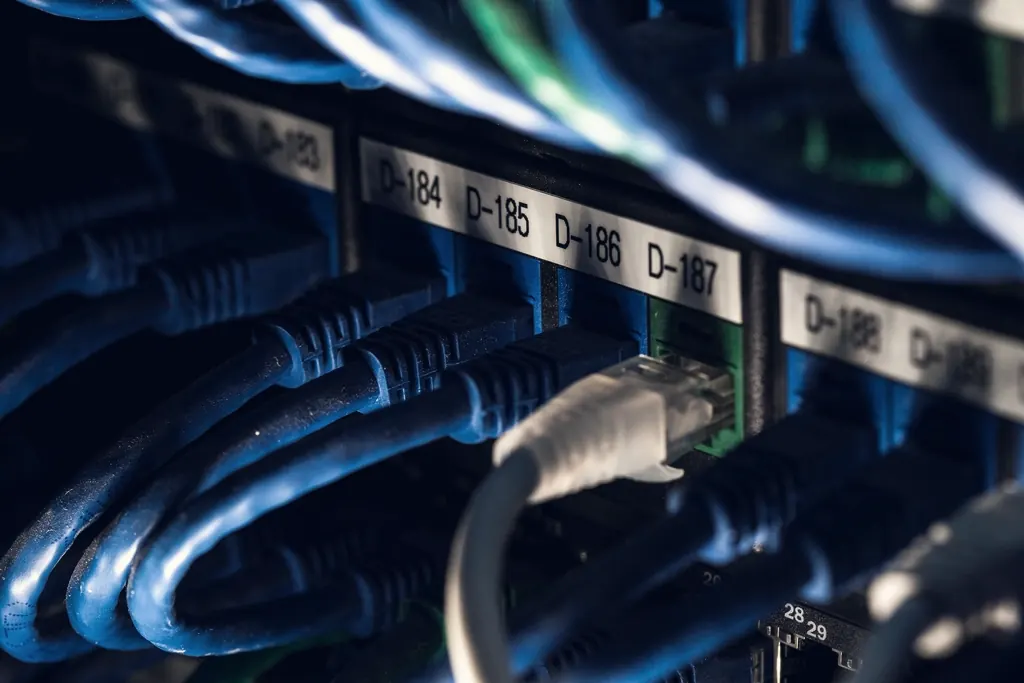
Yes. Every cable, patch-panel port and switch port is labelled and recorded in the network documentation we hand over.
Can CCTV and office computers share one network?
They can share the physical network, but we separate them with VLANs so camera traffic does not slow down office work and each system stays secure.
No charge · No obligation
Request a free
site survey.
- 01VisitAn engineer studies your premises, coverage needs and risk points.
- 02DesignYou receive a camera / network layout and a detailed BOQ.
- 03ProposalA transparent quotation, aligned to your tender or PO terms.
106, Krishna Kunj Vilas, Kalwar Road, Jhotwara, Jaipur – 302012